
Translations and theming
- API
- app
The app ships in English and Bangla, in light and dark, with five accent colours and two densities. All of it rests on two small systems: a typed message catalog and a set of design tokens.
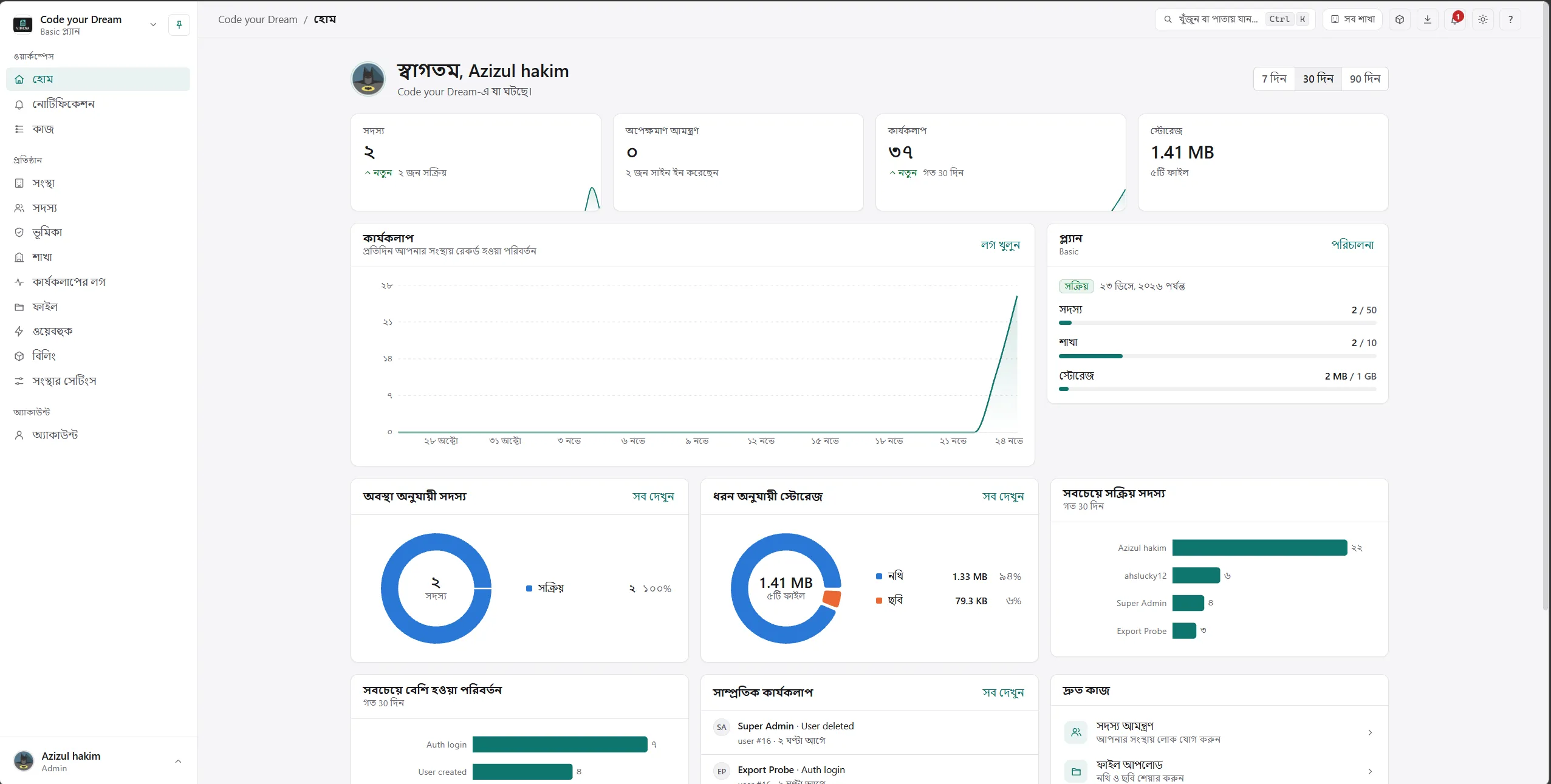
Translations
How text works
Every visible string is a key in a catalog:
'members.invitedToast': 'Invitation sent to {email}.',const t = useT()push(t('members.invitedToast', { email }), 'success')en.tsis the reference catalog.bn.tsis typedMessages, so TypeScript refuses a build where Bangla is missing a key (or has one English doesn’t).{name}placeholders are filled from the second argument. Write sentences that work for any value (“Invitation sent to {email}.”) rather than building them from pieces, and avoid plural-dependent wording (“{count} files” reads fine as “Files: {count}”).- The language is chosen per browser (the account menu), first from the browser’s own language.
It sets
<html lang>, and every API call sends it asAccept-Language.
The server speaks the same language
Because each request carries Accept-Language, API messages come back translated too: validation
errors, problem titles, notification texts. E-mails use the recipient’s saved language. The
server catalogs and e-mail templates are described in Mail and i18n.
Dates, numbers and money are formatted with Intl for the chosen language (bn-BD for Bangla),
so a Bangla user sees Bangla numerals and month names: use useMoney() and the helpers in
src/format.ts rather than formatting by hand.
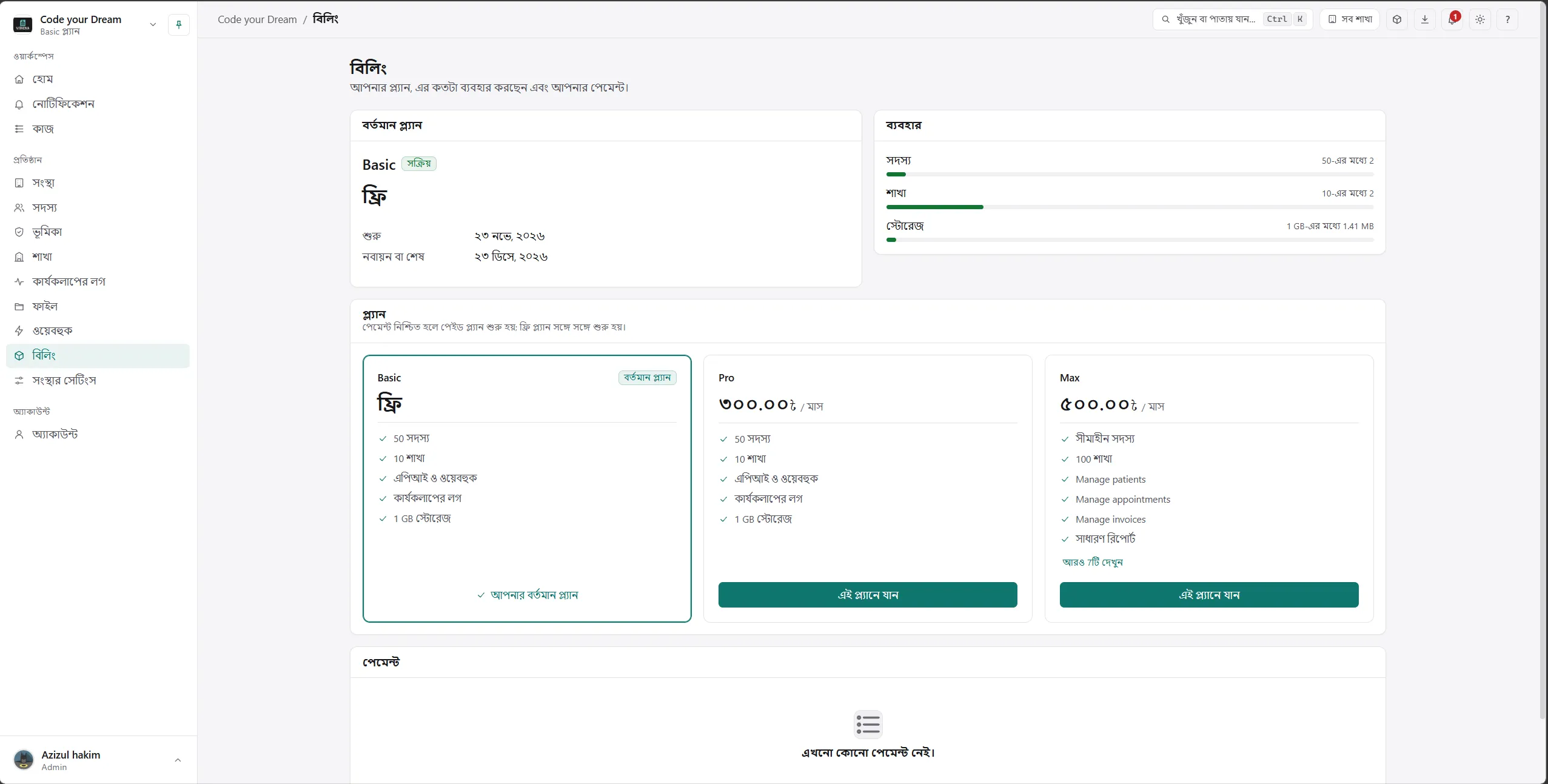
Adding a language
- Copy
src/i18n/bn.tstosrc/i18n/<code>.ts, rename the export and translate every value. Keep product names ('app.name') as they are. - Register it in
src/i18n/index.ts: add the code toLocale, an entry tolocales(its own name and theIntllocale, e.g.{ code: 'ar', label: 'العربية', intl: 'ar' }) and the catalog tocatalogs. Updatedetect()so a browser in that language starts in it. - Add the server side: messages and e-mail templates for the same code (see Mail and i18n).
npm --prefix web/app run typecheckfails until every key is translated.
A right-to-left language also needs dir="rtl" on <html> (set it next to lang in
applyDocument()), and the stylesheets would need their left/right margins and paddings turned
into logical ones (margin-inline-start and so on): today they are written for left-to-right.
Theming
Tokens, not colours
Components never use a raw colour. They use tokens defined once in
web/app/src/styles/tokens.css:
| Tokens | For |
|---|---|
--surface-0 … --surface-2, --surface-inset |
page, cards, raised and sunken areas |
--text-1 … --text-3 |
primary, secondary and muted text |
--border, --border-strong |
dividers and inputs |
--accent, --accent-fg |
the accent and text on it |
--ok-fg, --warn-fg, --danger-fg, --info-fg, --violet-fg |
status colours |
--series-1 … --series-6 |
chart series, in order |
--fs-xs … --fs-xl, --space-1 … --space-6, --radius |
type scale, spacing, shape |
Three attributes on <html> select the values, set before the first paint so nothing flashes:
<html data-theme="dark" data-accent="teal" data-density="compact">- Theme:
lightordark; “System” follows the operating system and resolves to one of them. - Accent:
indigo(default),blue,teal,violet,slate. Each preset has a light and a dark value. - Density:
comfortable(default) orcompact, which tightens rows and padding.
The user’s choices are stored per browser (src/components/appearance.ts).
Rebranding
To give the app your brand:
- Change the accent presets in
tokens.css(or add one, and list it inaccentsinappearance.ts). Set the default inappearance.ts. - Adjust surfaces and text in both theme blocks if you want a different neutral.
- Replace
web/app/public/favicon.svgand set'app.name'in every catalog. - Run the style check.
npm --prefix web/app run check:styleThe check fails when any text and surface pair, the accent, or a status colour on its background
falls below WCAG AA contrast (4.5:1) in either theme with any accent preset, when a style uses
a size outside the type scale, or when a raw colour appears outside tokens.css. CI runs it.
Charts
Charts (src/components/charts.tsx) take their colours from --series-1 … --series-6 and
their text and grid from the text and border tokens, so they follow the theme without extra code.
Use KpiCard, TrendChart, DonutChart and RankedBarChart rather than raw Recharts so every
chart in the app looks the same.


Built and maintained by Innovix Matrix System
A software studio building custom software, web platforms and mobile apps. We use this kit for our own products, and we can help you ship yours on it.
© 2026 Innovix Matrix System. IMS Go SaaS Kit v0.2.0.